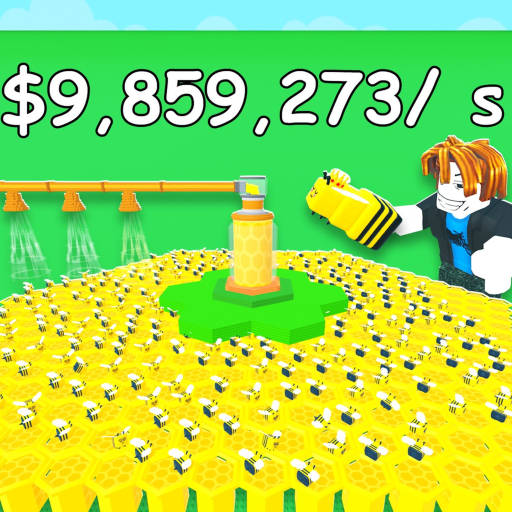
GrowABeehive
Honey planning

How to Get Honey in Grow a Beehive (Without Guessing Rates)

Learn the verified honey loop, measure your active and offline rates, avoid wrong-game claims, and turn observations into a practical goal.

Checked July 15, 2026Exact game: universe 10253841135
Quick answer

Start here

The safe way to improve honey progress is to measure the hive you actually have. Time a normal active session, calculate honey gained per minute, record one offline return, and compare those observations after a bee or hive change.

Step-by-step

Follow the loop in order

  1. 1

    Confirm the honey loop

    Grow a Beehive's official Roblox description says players build and expand a hive, manage bees, produce honey and sell it for cash. That is the dependable foundation. Flower attraction tables and named flower multipliers found on a similarly titled fan wiki belong to a different creator and are not used here.

    Try this: If advice mentions fantastic_games, Cactus Bee or flower attraction, stop and verify the place ID.

  2. 2

    Measure an active sample

    Write down current honey, play in your normal way for five or ten minutes, then write down the new amount. Subtract the start from the finish and divide by the minutes. A longer sample smooths out short pauses, but it should still reflect a routine you can repeat.

    Try this: Avoid changing bees or buying upgrades during the sample; otherwise you are measuring two setups.

  3. 3

    Measure one offline return

    The official description confirms that the hive keeps working while you are offline, but it does not state a cap or formula. Record honey before leaving, note how many hours pass, then record the return amount. Divide the gain by hours only as a personal observation, not a permanent game rate.

    Try this: Repeat with a similar time away before relying on the result for a large target.

  4. 4

    Set a goal that matches the next purchase

    Choose a target shown by your live game, such as a visible hive expansion or another clearly explained improvement. Enter current honey, target honey, active rate and normal session length into the calculator. If you include offline income, use only the return rate you measured yourself.

    Try this: Round the plan up to a full session so the estimate does not promise a perfect finish.

  5. 5

    Re-sample after a meaningful change

    A new bee, hive expansion or balance update can change production. Run the same timed sample after the change, then compare rates and the remaining wait. This gives you a practical payback signal even when exact upgrade costs and bee multipliers are not publicly documented.

    Try this: Keep the sample conditions similar so the comparison reflects the change, not a different play routine.

If you're stuck

Common mistakes and fixes

Copying a universal rate

There is no verified rate that fits every bee and hive setup.

Fix: Use a timed observation from your own base.

Mixing cash and honey

The official loop includes producing honey and selling it for cash; they may not be the same balance.

Fix: Record the same resource at both ends of a sample.

Treating offline income as uncapped

Offline production is official, but its limit and calculation are unknown.

Fix: Use one observed return and keep the estimate conservative.

FAQ

Quick answers

How do I get honey fast in Grow a Beehive?

Keep the official build-manage-produce-sell loop moving, measure your current rate, and choose changes that improve the next repeat cycle. No universal fastest rate is publicly verified.

How do I calculate honey per minute?

Subtract starting honey from ending honey, then divide the gain by the number of active minutes in the sample.

Does offline honey use the same rate as active play?

Do not assume it does. Measure an offline return separately because the game may use a different formula or cap.

When should I measure again?

Repeat the same sample after changing a bee, expanding the hive, buying a meaningful upgrade or seeing a balance update.

Next move

Continue with the matching page